Best IPTV for Android TV & Google TV in 2026: What Actually Matters
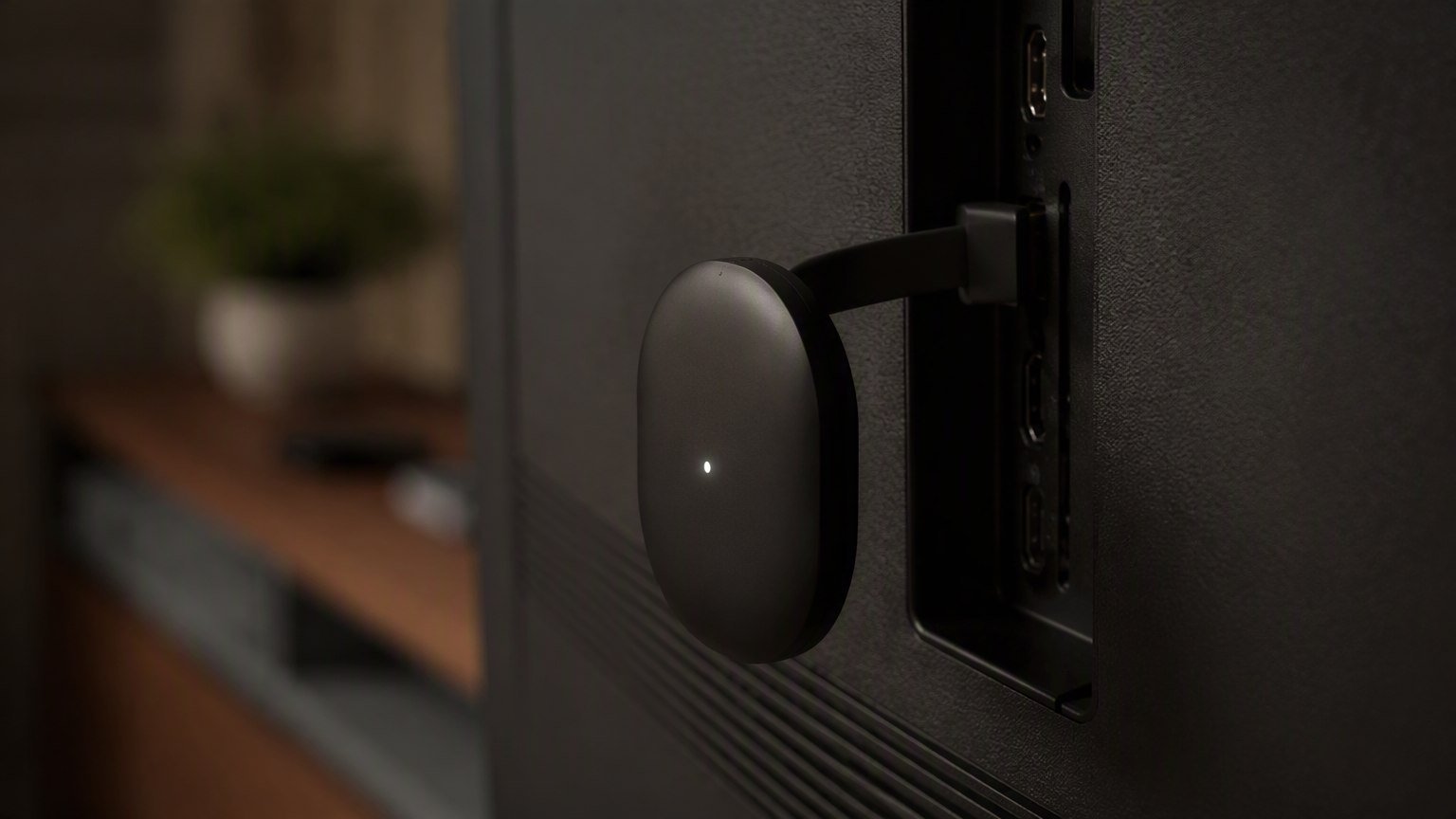
The best IPTV for Android TV in 2026 isn't the service with the longest channel list — it's the one that pairs a stable, well-managed server network with the apps Android TV runs best: TiviMate and IPTV Smarters. Get Xtream Codes login, a full EPG, anti-freeze servers and multi-device support right, and everything else is decoration. After testing IPTV on Chromecast with Google TV, half a dozen Android TV boxes and a couple of Google TV televisions, here's the framework I actually use to judge a provider on this platform.
Android TV and Google TV are, for my money, the best IPTV platform going. The Play Store is wide open to every serious player app, the hardware is cheap, and the big-screen EPG experience beats anything a smart TV's built-in store can offer. But that openness also means the provider you choose matters more than the device — the box just plays what the servers deliver.
Best IPTV for Android TV: What Actually Matters
Marketing pages shout about channel counts. After 60+ provider reviews, I can tell you the four things that decide whether you're still happy in month three are boring and specific:
- Xtream Codes login support. This is the login standard TiviMate and IPTV Smarters are built around — server URL, username, password, done. It pulls channels, VOD and EPG in one step instead of juggling M3U links and separate guide URLs. A provider that doesn't offer Xtream login in 2026 is making your life harder for no reason.
- A complete, accurate EPG. On a 55-inch screen, the guide is the interface. An EPG with missing data or wrong times makes 30,000 channels feel like 30.
- Anti-freeze servers that survive live sport. Any provider looks great at 3 p.m. on a Tuesday. The test is a Saturday kickoff or a title fight, when load spikes. Server quality is the difference between a premium service and a reseller on overloaded hardware.
- Connections that match your household. One stream is fine for a single TV; families need two or three simultaneous connections without paying double.
The Buying Criteria, Compared
Here's the checklist I run every provider through before recommending it for Android TV and Google TV devices:
| Criterion | Why it matters on Android TV | What good looks like |
|---|---|---|
| Xtream Codes login | Native one-step login in TiviMate & Smarters | Credentials delivered instantly after purchase |
| EPG quality | The TV guide is your main interface on the big screen | Full coverage on major channels, correct time zones |
| Server stability | Live sport in 4K punishes weak infrastructure | Anti-freeze tech, no buffering at peak hours |
| Stream quality | Android TV boxes drive 4K televisions | Real FHD/4K feeds, not upscaled SD |
| VOD library | Replaces separate movie apps | Large, updated movie & series catalog in 4K |
| Connections | TV box + phone + tablet in one household | 2+ simultaneous streams, cheap add-ons |
| Support | Setup questions happen at 11 p.m. | 24/7 support with fast, human answers |
If a provider can't clearly answer each row on its plans page or via support, keep looking. Vague answers before the sale become missing answers after it.
The Apps: TiviMate, IPTV Smarters & More
The reason Android TV wins for IPTV is the app ecosystem. Three players dominate, and all install directly from the Play Store:
- TiviMate — the gold standard for the big screen. A cable-style EPG grid, favorites, catch-up, recording and multi-playlist support. The premium upgrade is cheap and absolutely worth it for daily viewing.
- IPTV Smarters — the friendliest option for newcomers. Clean layout, Xtream Codes login front and center, profiles for family members, and it works identically on Android phones and tablets.
- Televizo and others — solid lightweight alternatives if you want something minimal.
Choosing between the two big ones? I compared them feature by feature in TiviMate vs. IPTV Smarters (2026), and the full field in my best IPTV apps for 2026 roundup. Whichever you pick, a provider with proper Xtream Codes login makes setup a three-field job on either app.
Performance on Chromecast, Boxes & Google TV
Provider and app sorted, three hardware realities shape your experience:
Chromecast with Google TV is the budget sweet spot — smooth 4K playback, full Play Store access, and it turns any HDMI TV into an Android TV. Its one weakness is Wi-Fi-only networking and limited storage, so keep it close to the router or grab the official Ethernet adapter.
Android TV boxes range from excellent certified devices to no-name junk with fictional spec sheets. What matters for IPTV: 2 GB+ RAM (a fast EPG needs it), a recent chipset, and ideally an Ethernet port. Certified boxes from known brands are worth the small premium; our best IPTV devices for 2026 guide ranks the current field.
Bandwidth and signal quality matter more than either device. 15 Mbps covers HD; give 4K streams 25 Mbps of stable, low-latency bandwidth. Wired beats wireless every time for live sport. If channels ever stutter at peak hours, work through our IPTV buffering fix guide before blaming the provider — in my testing, the home network is the culprit more often than the servers.
MPTV — 30,000+ live channels and 150,000+ movies & series, from $4/month on the 12-month plan. Every first subscription is covered by a 7-day money-back guarantee. Love it or get every cent back.
A 5-Minute Pre-Purchase Checklist
Before you subscribe to anything for your Android TV or Google TV device, confirm these seven points — it takes five minutes and saves months of frustration:
- Does the provider supply Xtream Codes credentials (not just a raw M3U link)?
- Is there a full EPG covering the channels you actually watch?
- Are FHD and 4K streams genuinely available, especially for sports?
- How many simultaneous connections are included, and what do extras cost?
- Does the service mention anti-freeze / anti-buffer infrastructure with real support behind it?
- Is there a written money-back guarantee so you can test on your own hardware risk-free?
- Can you reach 24/7 support before buying? Send one question and time the reply.
Tick all seven and you'll land on a service that makes your Android TV box feel like the best money you ever spent on television. Skip the checklist, and you're gambling on a marketing page.
Frequently Asked Questions
Does IPTV work on Chromecast with Google TV?
Yes — Chromecast with Google TV runs full Android TV, so it supports TiviMate, IPTV Smarters and every other major IPTV player directly from the Play Store. Log in with your provider's Xtream Codes details or M3U playlist and you're watching in minutes. The 4K model handles HD and 4K streams comfortably on a 25+ Mbps connection.
Is TiviMate free on Android TV?
TiviMate has a free version that plays playlists, but the premium upgrade — a small annual or one-time fee — unlocks the features that make it the best IPTV player on Android TV: full EPG grid, favorites, catch-up support, recording and multi-playlist management. For daily viewing, premium is worth it.
Can I use one IPTV subscription on my TV box and phone?
Usually yes, but connections are limited. Most providers allow one or two simultaneous streams by default and sell extra connections cheaply. Check the connection count before subscribing if you plan to watch on the living-room Android TV box and a phone or tablet at the same time.
What internet speed do I need for IPTV on Android TV?
For smooth HD, 15 Mbps is a safe floor; for 4K streams and live sports, aim for 25 Mbps or more with low latency. Stability matters more than raw speed — a wired Ethernet connection or strong 5 GHz Wi-Fi signal prevents most buffering before it starts.
Android TV box vs. Chromecast with Google TV: which is better for IPTV?
Both run the same apps, so the difference is hardware. Chromecast with Google TV is the cheapest polished option. Dedicated Android TV boxes often add more RAM, USB ports and Ethernet — useful if you want a snappier EPG and wired networking. Avoid no-name boxes with inflated specs; stick to known brands or certified devices.