TiviMate vs IPTV Smarters: Which IPTV App Should You Choose in 2026?
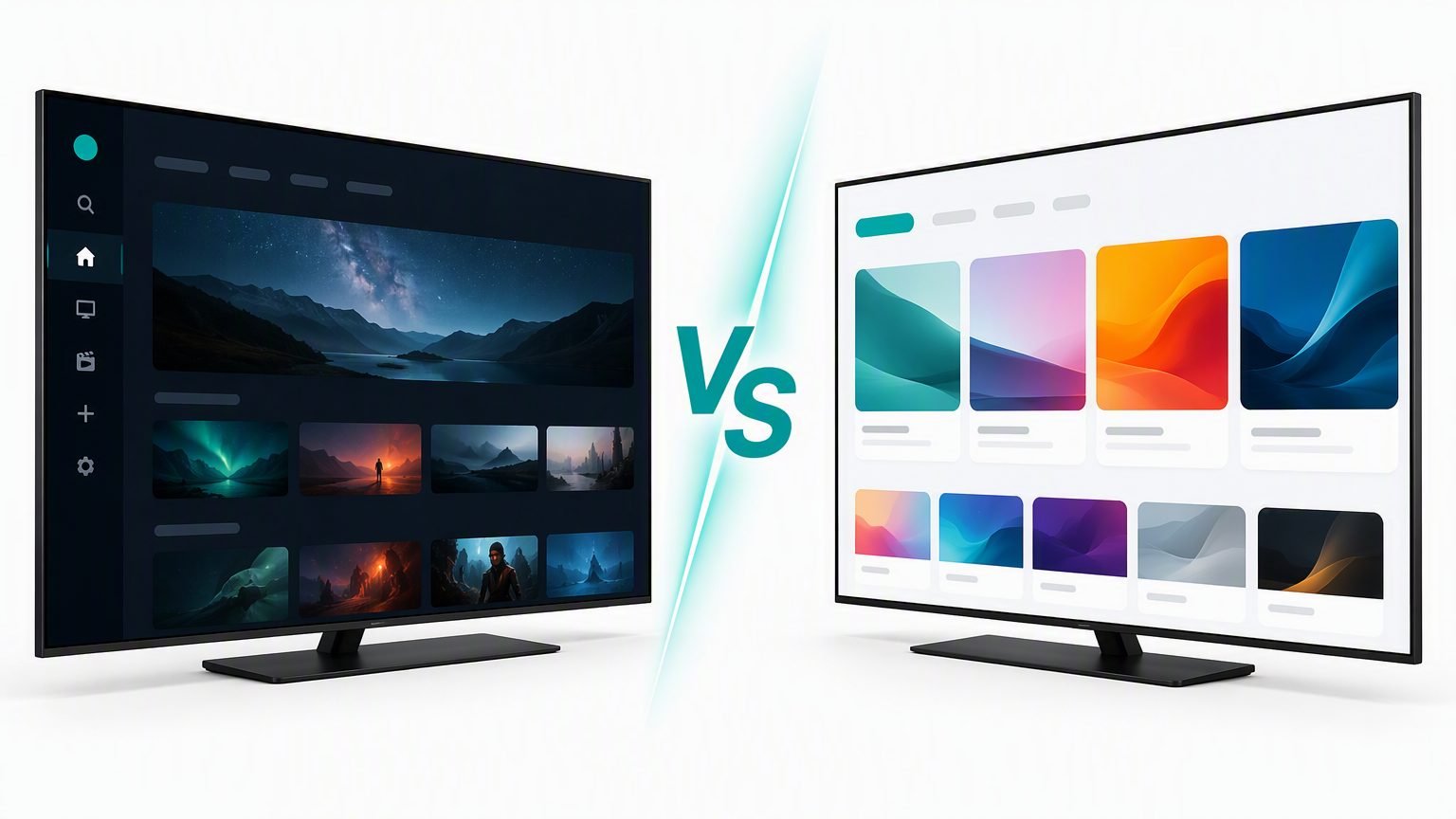
TiviMate vs IPTV Smarters is the closest thing the IPTV world has to a heavyweight title fight — and the honest answer is that they win in different arenas. TiviMate is the better app on a TV: faster, prettier, with the best electronic programme guide in the business. IPTV Smarters fights back with dead-simple setup and support for almost every device, including iPhone, Windows and Smart TVs where TiviMate simply doesn't exist.
We've used both daily for years — TiviMate on a Firestick 4K Max in the living room, IPTV Smarters on phones and a Samsung Smart TV. Below we compare them head to head on interface, EPG, recording, price and device support, then give a clear verdict by user type. Remember that both are players only: you bring your own IPTV subscription. Want more options? These two top our best IPTV apps 2026 roundup, which covers five players in total.
TiviMate vs IPTV Smarters at a Glance
| Feature | TiviMate | IPTV Smarters Pro |
|---|---|---|
| Platforms | Android TV & Fire TV only | Fire TV, Android, iOS, Windows, macOS, Smart TVs |
| Interface | Modern cable-style grid EPG | Simple tiles and lists |
| EPG quality | Best in class, multi-source | Good; automatic with Xtream login |
| Recording | Yes, scheduled recordings (Premium) | Basic, platform-dependent |
| Multiple playlists | Yes (Premium) | Yes, via multiple user profiles |
| Price | Free; Premium ~$5/yr or lifetime | Free; one-time Pro upgrade |
| Setup difficulty | Moderate | Easiest |
| Our rating | 9.6 / 10 | 9.1 / 10 |
The scores are close because both apps are excellent — the differences only really matter once you know where you'll be watching. Let's break it down.
Interface & Ease of Use
TiviMate was designed for the big screen from day one, and it shows. You get a full cable-style grid with channel logos, a live preview window, and now-and-next information on every channel. Everything is reachable with a remote's directional pad, and once it's configured it genuinely feels like a premium set-top box. The flip side is a steeper first hour: playlists, EPG sources and layout options all ask for a bit of attention up front.
IPTV Smarters takes the opposite approach. Its home screen is a simple set of tiles — Live TV, Movies, Series — and the login flow walks you through Xtream Codes entry in about two minutes with automatic import of everything, guide included. It's less elegant to live with, but there's essentially nothing to learn.
Winner: a draw. Smarters wins your first hour; TiviMate wins every hour after that.
EPG & TV Guide
This is TiviMate's home turf. The grid EPG is fast, dense and endlessly customisable: multiple EPG sources per playlist, channel logos, catch-up markers, guide search, and adjustable layouts so you can fit more channels or bigger text. On a good provider it's indistinguishable from a proper cable guide.
IPTV Smarters' guide is functional rather than beautiful. With an Xtream Codes login it loads automatically — a genuine convenience — but it's a list-style view with fewer layout options, and gaps in the data occasionally need a manual refresh. It does the job; it just doesn't delight.
Winner: TiviMate, and it isn't close. If the guide is how you browse TV, this category alone settles the debate.
Recording & Catch-Up
TiviMate Premium turns your Firestick or Android box into a basic DVR: record live TV, schedule future recordings straight from the guide, and store them on local or network storage. Catch-up — where your provider offers it — appears right in the guide, so last night's match is a couple of clicks away.
IPTV Smarters supports catch-up on providers that offer it, and recording exists on some platforms, but it's basic and inconsistent across devices. If recording matters to you, this is a clear gap.
Whichever app you record with, mind the storage. A Firestick has only a few gigabytes free, so serious DVR use really calls for an Android TV box with USB or network storage attached. Recording also depends on your provider's terms — most reputable services are fine with personal time-shifting, but it's worth checking before you build a library.
Winner: TiviMate. Proper scheduled recording is one of the best reasons to pay for Premium.
MPTV's premium service comes pre-configured with 20,000+ channels, 4K streams, anti-freeze technology and 24/7 support — no apps to juggle, no playlists to manage.
Price & Device Support
Both apps are free to start. TiviMate's free tier is deliberately limited — Premium (roughly $5 a year, or a low-cost lifetime licence) unlocks recording, multiple playlists, favourites and the full EPG. You activate it through the TiviMate Companion app using a Google account, and one Premium account covers up to five devices. IPTV Smarters' free version is more generous out of the box, with ads, and the Pro upgrade is a one-time purchase that removes them.
Device support is where IPTV Smarters lands its biggest punch. It runs natively on Fire TV, Android, iPhone, iPad, Windows, macOS and Samsung and LG Smart TVs. TiviMate is Android-based devices only — there is no iOS, Windows or Smart TV version, full stop.
Winner: IPTV Smarters for reach. If you watch anywhere other than an Android-powered TV, it's the only one of the two that exists there.
One caveat for both apps: they can only be as smooth as the hardware underneath them. A five-year-old budget stick will make either player feel sluggish — if that's you, our tested best IPTV devices of 2026 guide has upgrade picks at every budget.
The Verdict: Which Should You Choose?
TiviMate is the better app. IPTV Smarters is the app that works everywhere. Most households end up running both.
Pick your column:
- Your main screen is a Firestick or Android TV box — choose TiviMate and pay for Premium. The guide, speed and recording are worth far more than the few dollars a year. Our step-by-step Firestick setup guide shows the whole process (it's written for IPTV Smarters, but the Downloader method is identical for TiviMate).
- You watch on iPhone, iPad, Windows or a Smart TV — choose IPTV Smarters, because TiviMate doesn't exist on those platforms.
- You're setting up IPTV for the first time — start with IPTV Smarters. Its two-minute Xtream login is the gentlest introduction there is.
- You want recording and the best guide — TiviMate Premium, no contest.
- You're kitting out the whole household — IPTV Smarters everywhere for consistency, with TiviMate added on the main TV.
And if neither sounds quite right, the wider field is worth a look — Sparkle TV offers a similarly modern feel on Android TV, while OTT Navigator suits anyone juggling several providers at once.
But for most people the power move many experienced streamers land on is this: TiviMate in the living room, IPTV Smarters on every phone, tablet and laptop. Your provider login works in both, so there's nothing extra to buy — just check how many simultaneous connections your subscription allows.
Frequently Asked Questions
Is TiviMate better than IPTV Smarters?
On Android TV and Fire TV devices, yes — TiviMate offers a superior programme guide, faster navigation and proper recording. But IPTV Smarters works on far more devices, including iPhone, Windows and Smart TVs, and is easier to set up, so the better app depends on where and how you watch.
Is TiviMate free?
TiviMate has a free version with basic features, but most people upgrade to Premium — roughly $5 a year or a low-cost lifetime licence — which unlocks recording, multiple playlists, favourites management and the full customisable EPG. Premium is activated through the TiviMate Companion app on an Android phone or Google account.
Does TiviMate work on iPhone or Samsung Smart TV?
No. TiviMate only runs on Android-based devices: Fire TV, Android TV boxes, and Android phones and tablets. For iPhone, iPad, Windows, macOS and Samsung or LG Smart TVs, IPTV Smarters is the better choice because it has native apps for those platforms.
Can I use the same IPTV subscription on both apps?
Yes. Your provider's Xtream Codes or M3U details work in any compatible player, so you can run TiviMate on your TV and IPTV Smarters on your phone with the same account. Just check how many simultaneous connections your subscription allows — using more devices than your plan permits will cause streams to drop.
Do TiviMate or IPTV Smarters include channels?
Neither app includes any channels. Both are players that organise streams from an IPTV provider you subscribe to separately. If an app claims to include thousands of channels for free, treat it with suspicion — legitimate players are just the interface, never the source.